

A smart bulb can make a lamp easier to use. A roomful of smart bulbs can also create a new problem: the wall switch is off, one person's phone has the app, and a guest cannot turn on the light. The appeal of a starter kit is that it bundles a few compatible pieces. The risk is committing to a system before understanding how the household will use it every day.
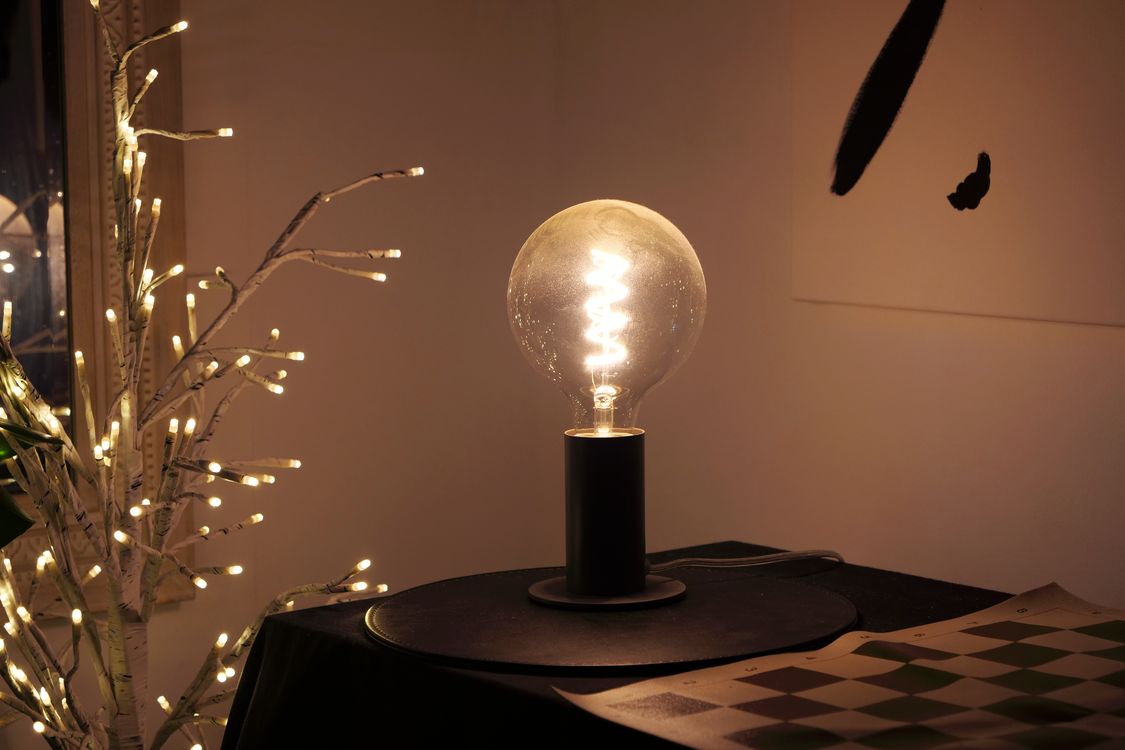
This is a feature-based assessment rather than a ranking of kits we have tested. The best first purchase is often smaller than the box suggests: one room, one clear reason for automation, and a control method that still works for everyone who enters.
Identify the job before the technology
Decide what you want the lights to do. Perhaps a bedside lamp needs an easy dimmer, a hall needs a schedule, or several living-room lamps should turn on together. Those are distinct problems. A color-changing bulb is not necessary to solve each one.
ENERGY STAR describes a range of smart-lighting features, from basic on/off and dimming to adjustable white light, color, sensors, schedules, and voice control. Each added function can raise the initial cost. Choose the feature you will use weekly rather than the most elaborate demo.
Start with one room and write down its normal lighting routine. Who turns the lights on? Where are they standing? What happens if the internet is unavailable or a phone battery is flat? A good system should answer those ordinary questions.
Bulb, plug, switch, or fixture?
A smart bulb is the simplest route for a table or floor lamp. It can dim or change color without electrical work, but it needs power at the socket. If someone switches the lamp off manually, app control may be unavailable until power returns.
A smart plug can automate a conventional lamp, though it usually controls power rather than bulb color or dimming. Confirm the plug's load rating and whether the lamp returns to the desired state when power is restored. Do not use an unsuitable plug with a heater or another high-load appliance.
A smart wall switch or dimmer can preserve familiar control for overhead lighting, but installation depends on wiring, bulb compatibility, and local electrical rules. Some models require a neutral conductor. A qualified electrician should assess uncertain wiring. An integrated smart fixture may be elegant, but future replacement of its LED module or controller can be more complicated than replacing a standard bulb.
Check the exact ecosystem
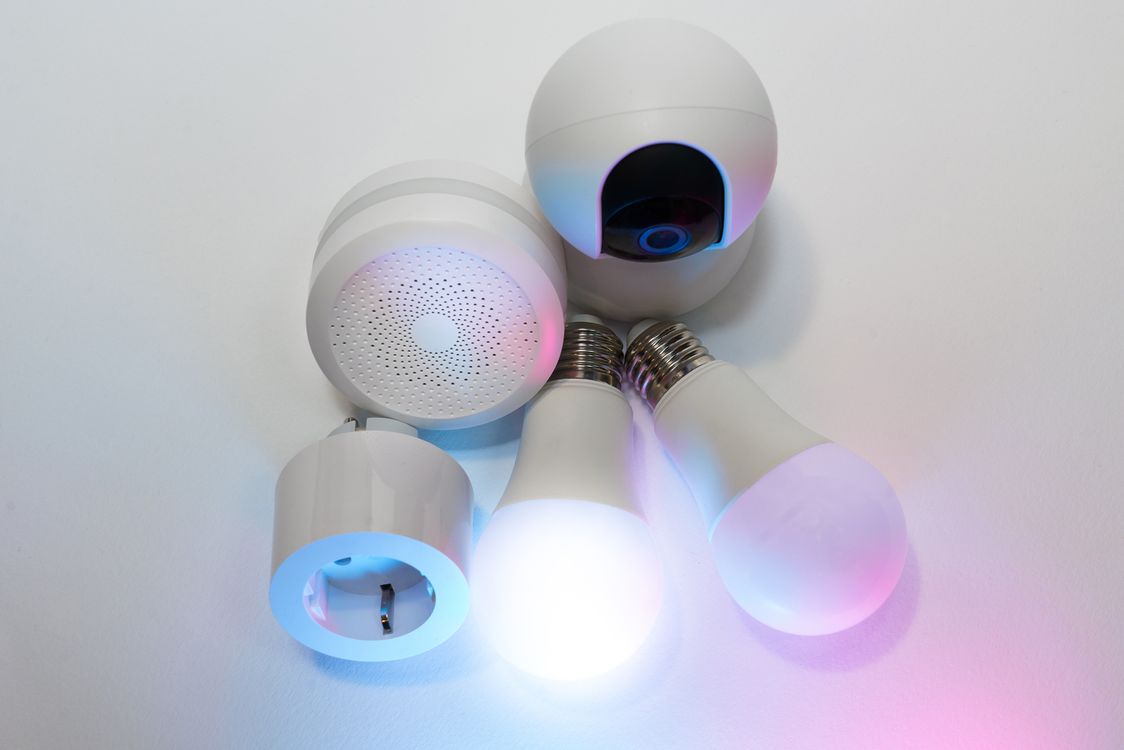
“Works with” logos need interpretation. A device may support one voice assistant, another via a bridge, and a third only with reduced features. Verify the exact model number, required hub, app, and controller—not just the brand family.
Matter aims to improve interoperability, and the Connectivity Standards Alliance lists lighting among supported device types. Yet a Matter badge does not mean every advanced feature appears identically in every platform. Confirm the functions you care about, such as color scenes, adaptive schedules, or group control, in the platform you actually use.
Some devices connect directly to Wi-Fi, while others use a separate hub or another local network technology. A hub adds cost and a box to place, but may reduce reliance on individual Wi-Fi connections. Compare the complete system rather than only the price of the first two bulbs.
Understand what works offline
Local control and cloud control are not the same. A bulb may respond to a local switch or hub when the internet is down but lose remote access or voice features. Another product may depend more heavily on a vendor account. Read the documentation and test the behavior during the return window if it matters to the household.
Matter's official FAQ explains that remote control of a Matter-only device requires an internet-connected controller in the home. It is not enough to see the Matter logo and assume control from anywhere will work without additional hardware.
Keep a physical way to operate essential lights. A hallway or bedroom should not be dark because the only administrator is away with their phone.
Evaluate the light as light
Smart features cannot compensate for poor illumination. Compare lumens for brightness, color appearance for warm or cool white, dimming range, beam pattern, and whether the bulb fits behind a shade. An oversized smart bulb may protrude from a small lamp or overheat in an enclosed fixture not approved for it.
Check the maker's enclosed-fixture, damp-location, and temperature guidance. A smart bulb intended for an indoor open shade may not suit a bathroom or outdoor porch. Decorative multicolor effects are pleasant, but most hours of use may be ordinary white light; judge that quality carefully.
The U.S. Department of Energy notes that LED life and reliability are not captured by a single operating-hours claim. Electronics can fail or color can shift before the light source reaches its nominal lifetime. Warranty and replacement support matter.
Do not ignore standby electricity
Smart devices need some power to listen for commands. ENERGY STAR says certified smart lighting uses less energy both when on and in standby than comparable uncertified products under its criteria. The absolute cost for one bulb may be modest, but a home with many devices has a different total.
Compare on-state wattage at a useful brightness, standby consumption where provided, and the number of hours the lights will be used. A schedule that actually turns off forgotten lights may offset some standby use; automation that keeps decorative lights on longer may do the opposite.
Do not buy a new smart system solely on a promised energy saving without estimating your current use. Convenience may be the real benefit, and that is a legitimate reason to buy if it is worth the cost.
Plan control for other people
Imagine a guest, child, or household member without the app entering the room. Can they use a wall switch, wireless button, remote, or ordinary lamp control? Does the system clearly show whether a switch should remain on?
Wireless buttons can be placed where people naturally reach and may avoid changing electrical wiring. Check battery type and replacement cost. Voice commands can be useful, but they should complement rather than replace a reliable physical method.
Group lights by activity instead of creating dozens of scenes. “Reading,” “evening,” and “off” are easier to remember than a menu of subtle variations no one uses.
Consider privacy and account dependence
An app may request location access for geofencing, microphone access for voice features, or account information for remote control. Review permissions and privacy settings. Grant only what is necessary for the function you actually want.
Ask what happens if the vendor stops supporting the app or a cloud service. Can the devices be reset and paired to another controller? Is local operation documented? A replaceable bulb is not necessarily a durable purchase if its useful features depend on a short-lived service.
Keep firmware updated through official channels and use unique account credentials. Do not put an entire home on a weakly protected shared login simply to avoid inviting another user properly.
Budget for expansion and replacements
List the price of the hub, compatible switches, bulbs, wireless controls, and any subscription required for desired functions. Some kits discount the first room but make later additions expensive. Replacement bulbs or specialty shapes may cost more than ordinary LEDs.
Check whether bulbs can be replaced independently and whether different generations work together. Save model numbers and setup instructions. A system with stable parts and a straightforward reset process may be worth more than one with an extra novelty feature.
Before installing a dozen devices, test one bulb and one physical control through a normal week. If the household keeps reaching for the old wall switch, redesign the control arrangement rather than trying to train everyone around an awkward system.
A sensible first kit
Choose a starter kit that solves one repeated annoyance, fits existing fixtures, supports the controller you already have, and preserves an obvious physical way to turn lights on. Compare the actual quality of white light and the full expansion cost. Verify what works offline and what needs an account or hub.
Smart lighting feels most useful when it disappears into the room's habits. A scheduled lamp that quietly turns on when needed is better than a spectacular color scene that requires three apps and an explanation for every visitor.
Sources and further reading
- ENERGY STAR, smart lighting guidance: https://www.energystar.gov/products/smart_home_tips/smart_lighting
- Connectivity Standards Alliance, Matter FAQ: https://csa-iot.org/all-solutions/matter/matter-faq/
- U.S. Department of Energy, LED basics: https://www.energy.gov/cmei/ssl/led-basics